For the TV
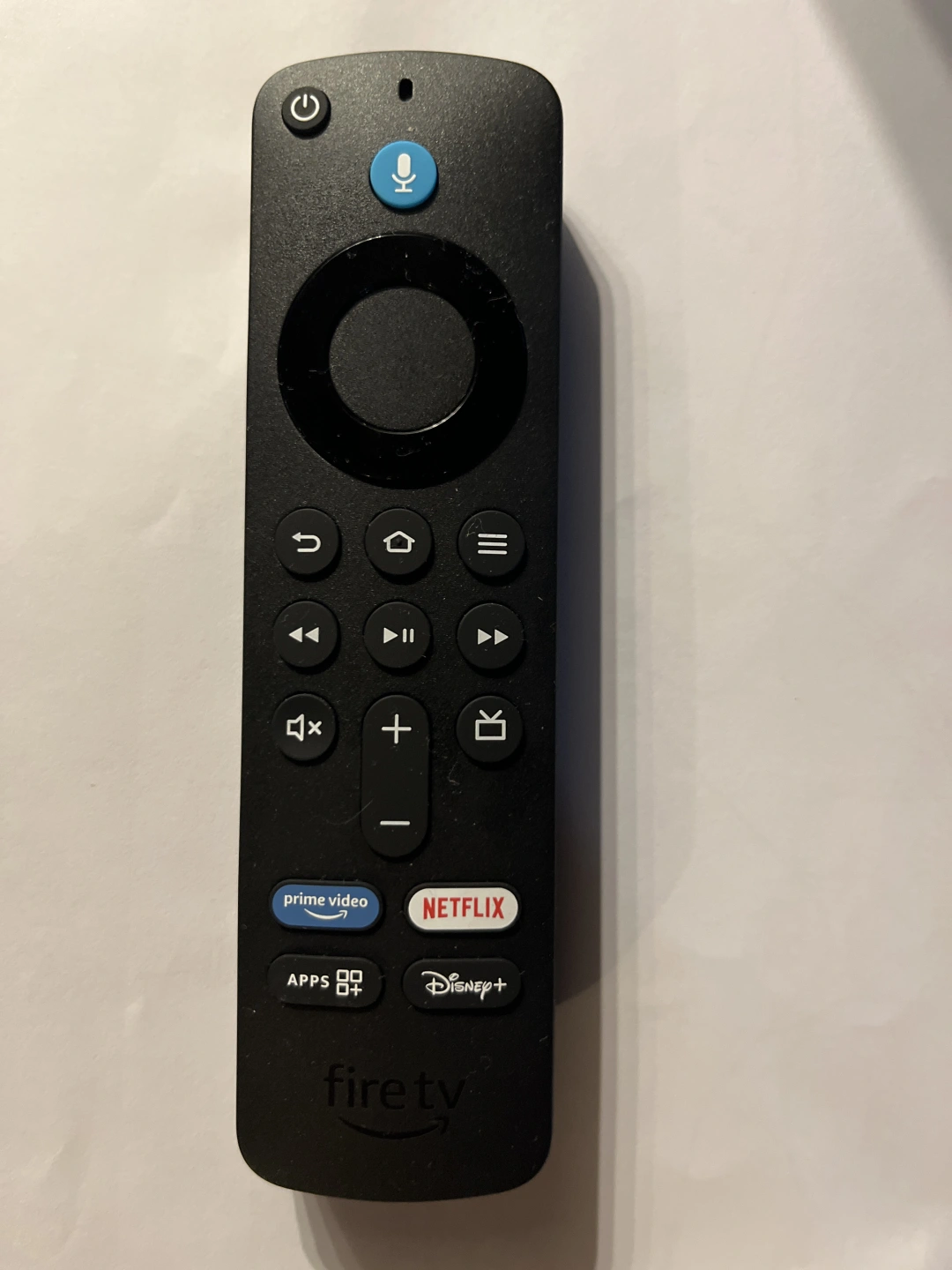
The first image below is the remote to use and the power button is at the top left.
When the TV is powered on and in Standby, the light at the front is on constantly and coloured White.
Press the power button and the light at the front of the TV will start to blink to show it is turning on. It takes about 20 seconds to come on and the light turns Green.
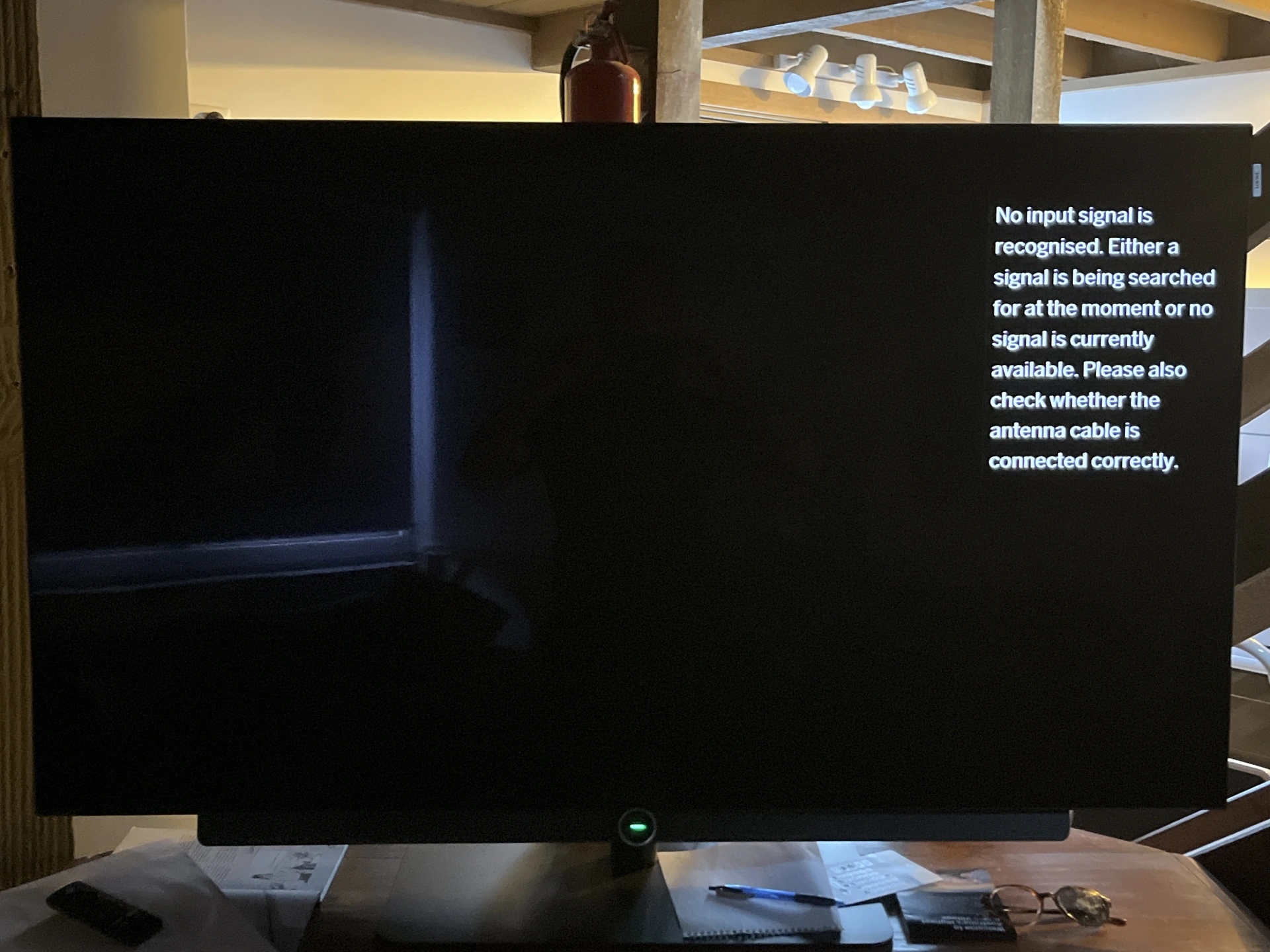
The second image is the screen when the TV is on, before it is set to a particular input.
Pressing the APPS button on the remote will automatically take you to the screen with all the channels and streaming services (image no.3).
The free to air channels should all start without needing to login but you will need to log in to any streaming service. Do please remember to log out before you leave.
...

Cooking Appliances
Further instructions for appliances if required:
Sandwich Press:
Please wipe the sandwich press down while it is still hot to make sure the surfaces are completely clean.
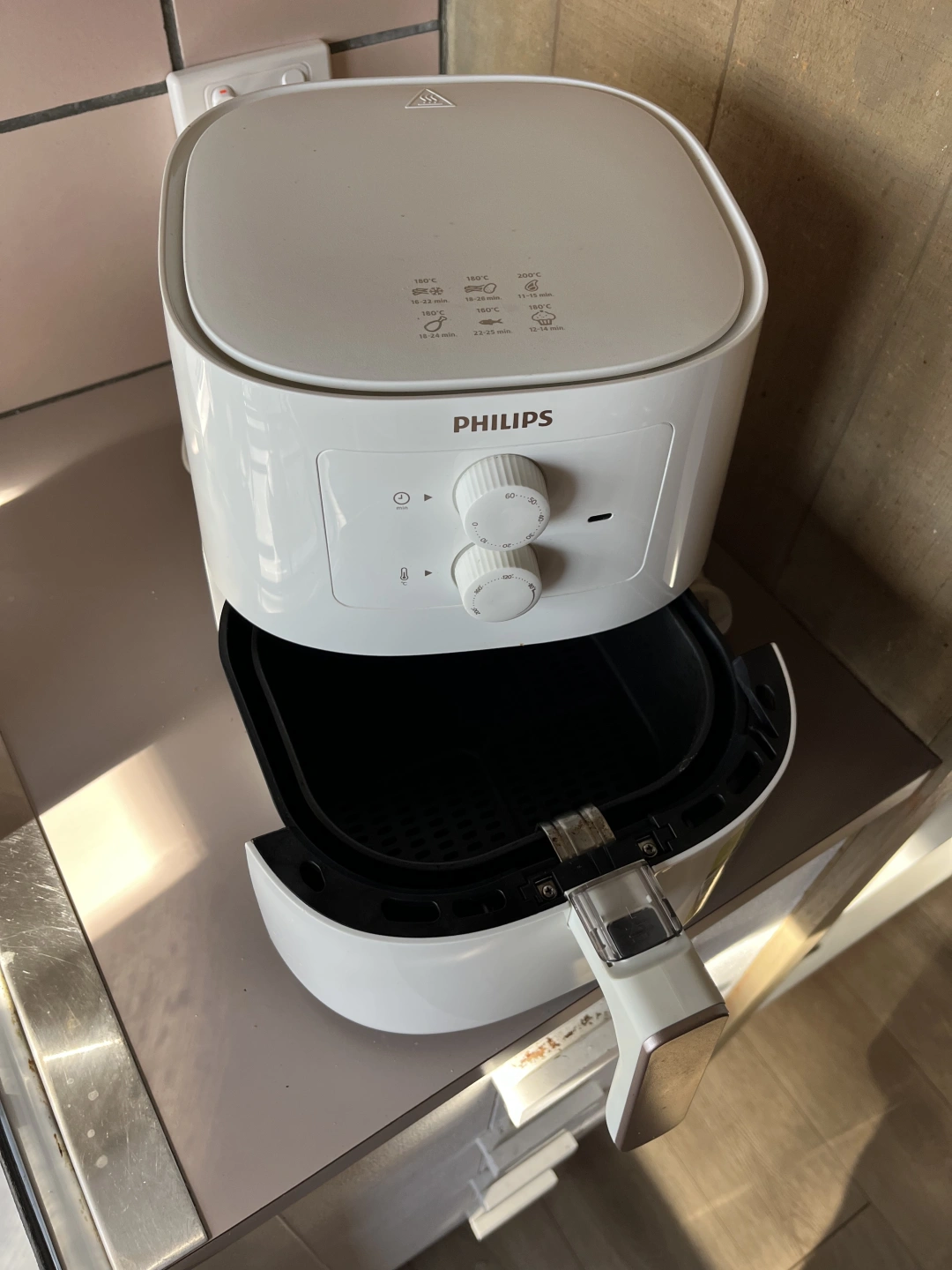
Air Fryer:
The air fryer is only to be used for solids, please do not put any liquids in the fryer, use one of the other cookers for liquids.
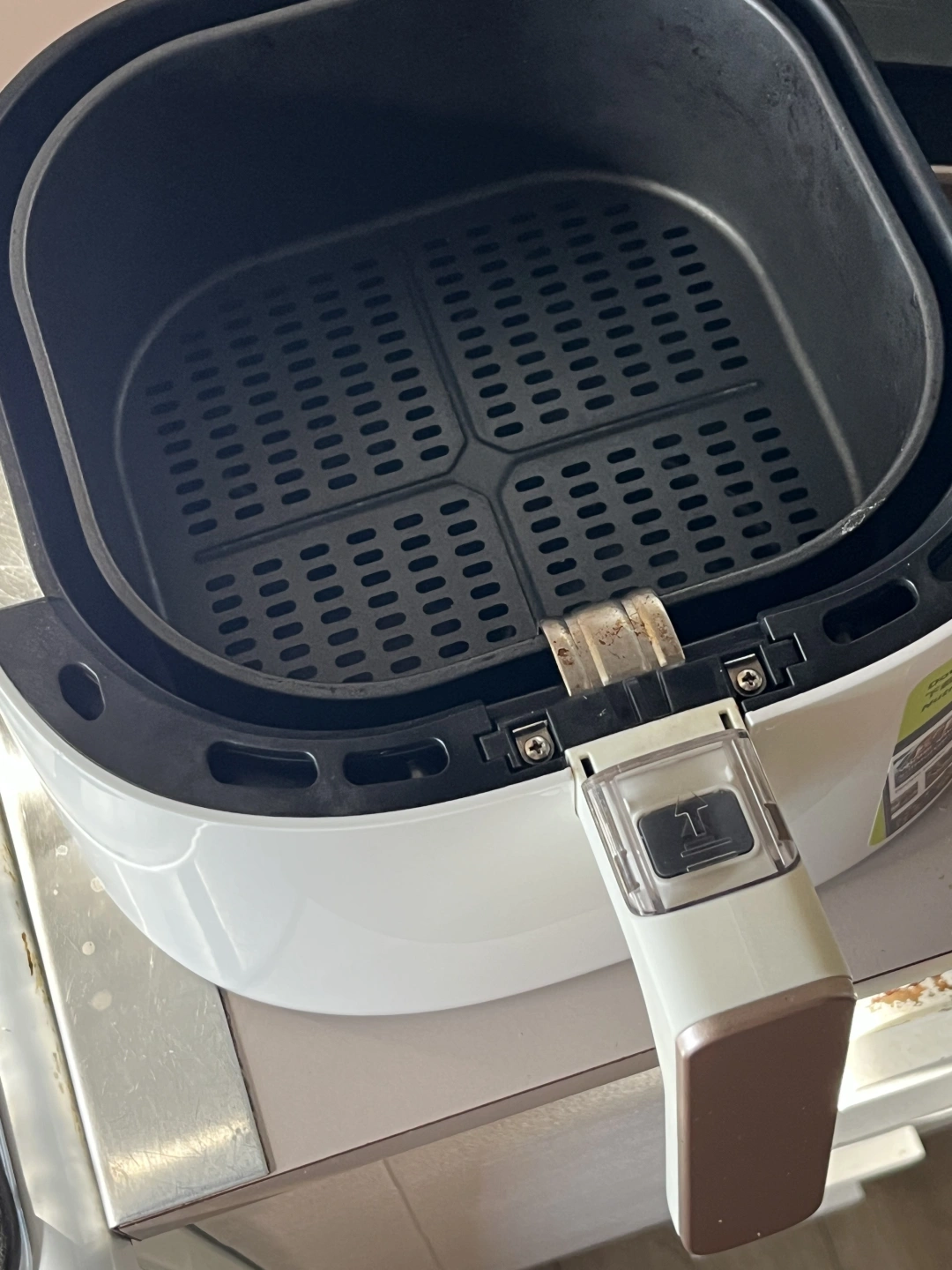
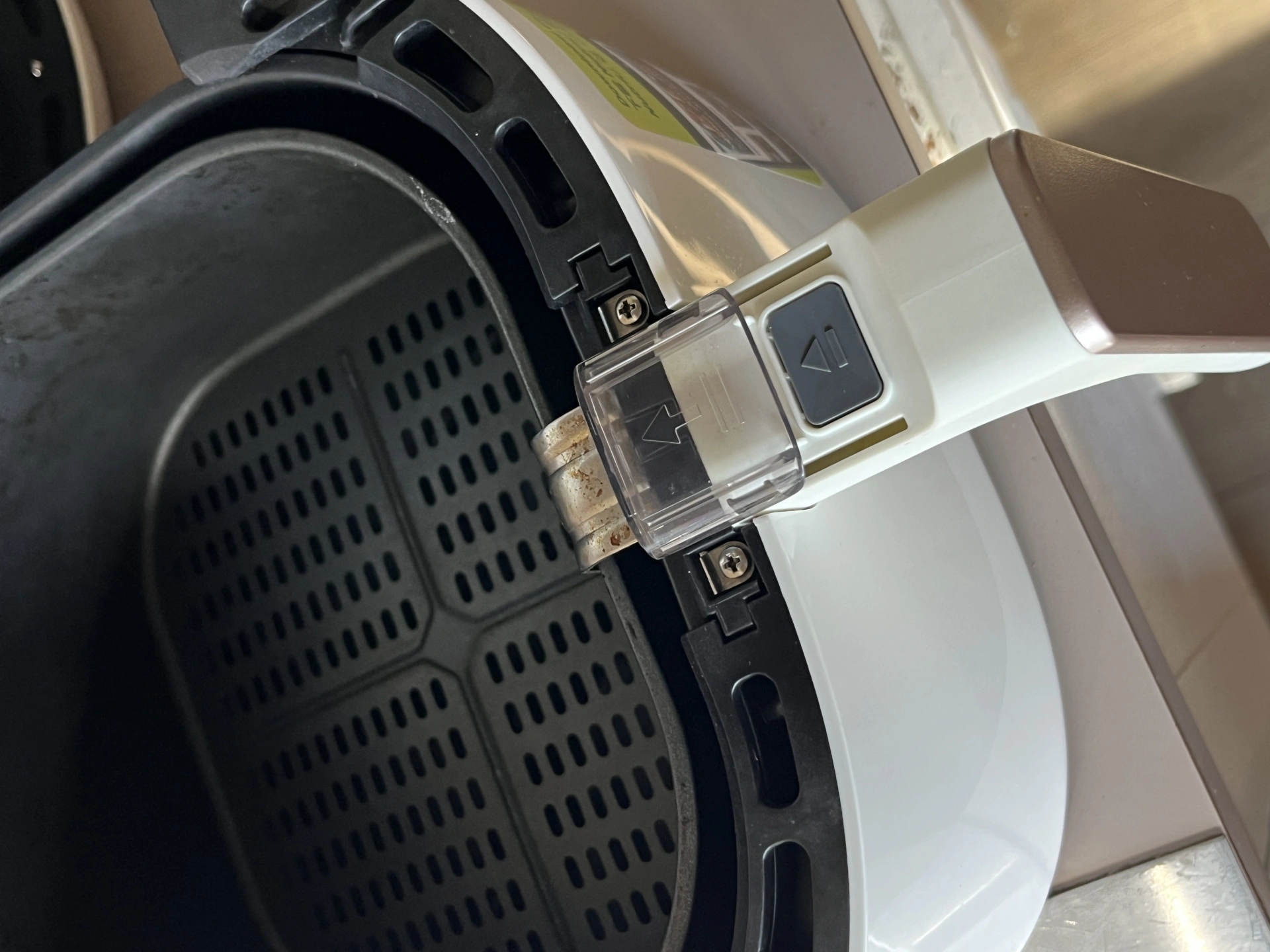
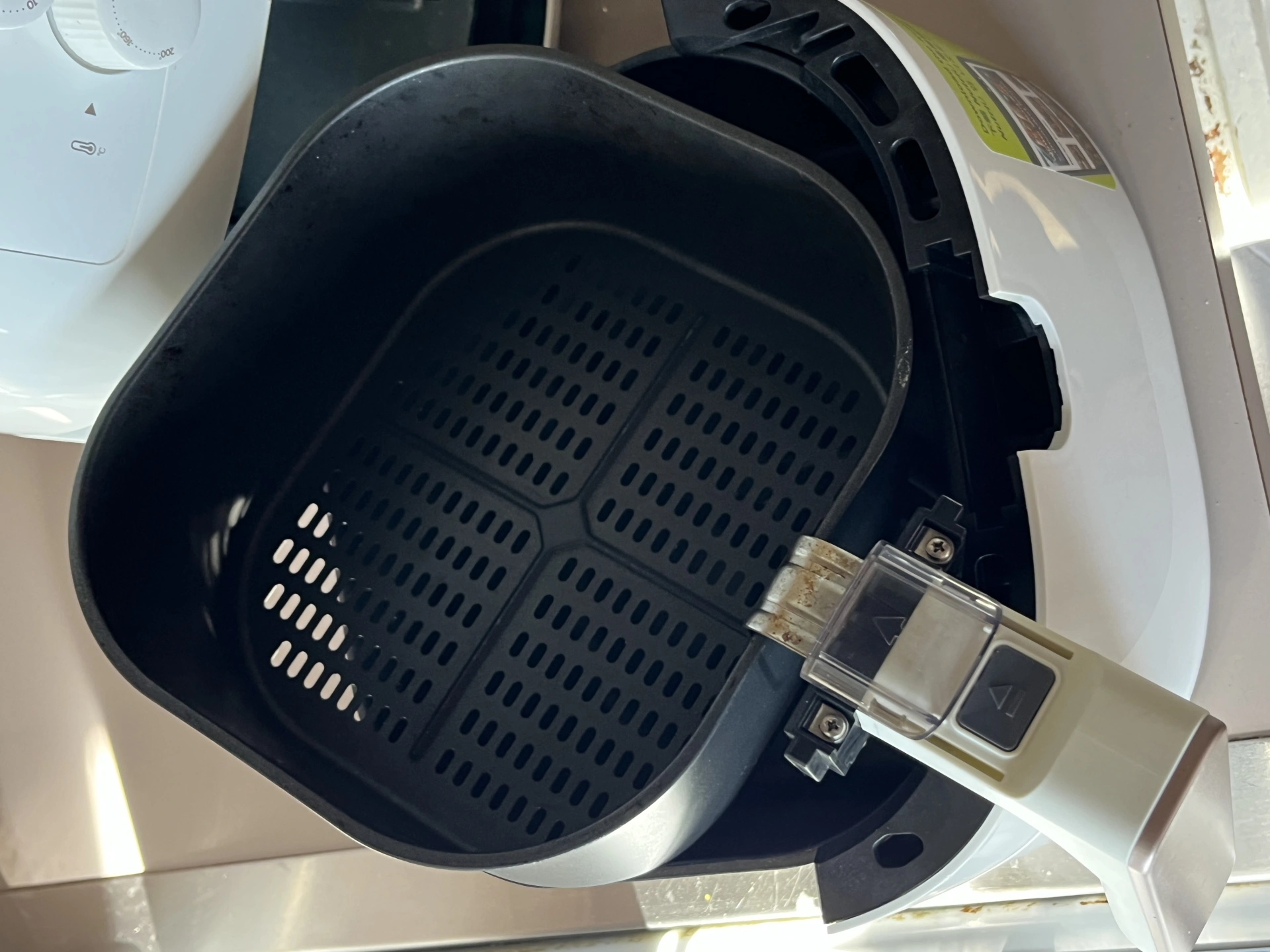
When cleaning, the basket can be separated from the drawer for cleaning, refer to the images below. You slide the clear plastic guard and press the button to separate the basket from the drawer. As well as washing the basket, please wipe out the drawer with kitchen paper.
Pressure Cooker:
If you are not familiar with pressure cookers and are keen, please watch these videos first - https://www.youtube.com/watch?v=TMVASUwVAPU and https://www.youtube.com/watch?v=qe-vAJ-Qu-o
Slow Cooker:
Similarly, if you're not familiar with a slow cooker, please watch these videos - https://www.youtube.com/watch?v=0It-JHFul0U and https://www.youtube.com/watch?v=4StqP28ZLkI
...